Frequently asked questions.
Answers about the trial, pricing, licensing, activation, system fit, and how the product behaves in the real world.
How does the 7-day trial work?+
Create an account, install the app, and activate your device. The trial gives you a real window to judge the workflow before you spend anything.
What happens when the trial ends?+
The app clearly tells you the trial is over and moves into restricted review mode. To unlock creative features again, choose a paid plan.
How does the monthly-to-lifetime path work?+
If you keep the monthly plan active for 10 consecutive paid months, Cresono converts that path into permanent ownership on the final month.
What is the lifetime price?+
The standard lifetime price is $249. During launch, the first 100 lifetime customers get it for $149.
Can I use Cresono commercially?+
Yes. Paid plans are intended for commercial work. Trial access is for evaluation.
Does the product need internet all the time?+
No. The creative side is built around local work. Internet is for account and delivery flow, not for shipping your projects to someone else's servers.
What kind of computer should I have?+
A modern Windows machine is the target. A CUDA-capable NVIDIA GPU is strongly recommended if you want the heavier AI features to feel comfortable.
Can I move my license later?+
Yes. Device protection exists to secure the product, but account flow can move access when you change hardware.
Does it work with AMD graphics cards?+
Not yet. The current release requires an NVIDIA CUDA-compatible GPU. AMD support is planned for a future update, but for now results on AMD hardware cannot be guaranteed.
How big is the full install?+
The engines alone are roughly 47 GB, and the full install lands near 50 GB. Make sure you have a fast SSD with at least 60 GB of free space.
Is my audio sent to external servers?+
No. All processing happens locally on your machine. Your projects, vocals, and creations never leave your computer.
Can I use it for music production or just voice work?+
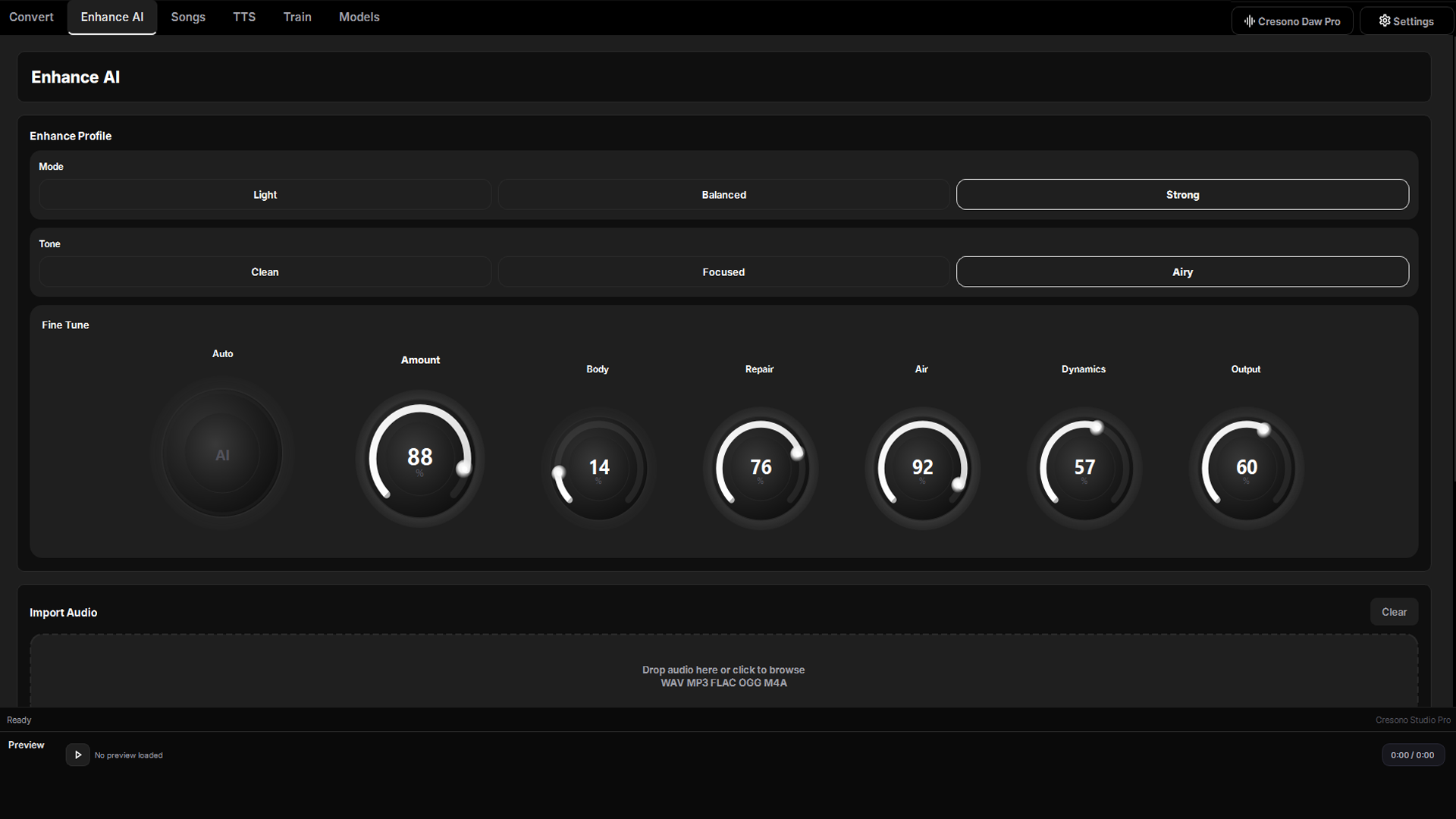
Both. The suite includes a full DAW with multi-track recording, mixing, 14 built-in effects, and AI-powered song creation — alongside voice conversion, enhancement, and text-to-speech.
What happens if I cancel my monthly plan?+
Your access continues until the end of the current billing period. After that, the app moves to restricted mode. Your projects and exported files remain yours.
Do I need to download the AI engines separately?+
No. After installing the app and signing in, the engines are fetched automatically on first launch. Just make sure you have a stable internet connection for the initial setup.
System requirements
Cresono Studio Pro is built for modern Windows machines. A CUDA-capable GPU gives the smoothest path, but lighter workflows can still run without it.
More platform support may come later. Follow updates through the contact page.