DOWNLOAD
Download Cresono Studio Pro. On your machine.
Download the Windows desktop app directly, then sign in inside the product when you are ready to start your trial or attach a paid plan.
CURRENT WINDOWS BUILD
v1.4.12
Windows 10 / 11, 64-bit desktop release
Desktop-first
- 1Download the desktop package and launch setup.
- 2Open the app and sign in or create your account inside the product.
- 3Your 7-day trial begins after account access is confirmed.
- 4The app downloads the engines and assets needed for your local workflow on first setup.
QUICK CHECK
Will it run well on your PC?
OS
Windows 10 or 11, 64-bit
CPU
Intel Core i5 8th gen or AMD Ryzen 5 class
RAM
16 GB
Storage
Fast SSD with at least 60 GB free (the engines alone are ~47 GB; the full install lands near 50 GB)
GPU
NVIDIA CUDA-compatible GPU with 8 GB VRAM minimum — AMD GPUs are not currently supported. AMD support is planned for a future update
SIZE NOTES
A serious local install, not a toy
The engines alone weigh roughly 47 GB, and the full install lands near 50 GB. That is the cost of running everything locally instead of streaming from someone else's server.
Plan for serious SSD space. We would rather tell you that directly than market this as a tiny lightweight download.
WHAT YOU GET
Features included in the desktop suite
+Voice transformation
+Song creation
+Stem separation
+Enhance AI
+Text To Speech
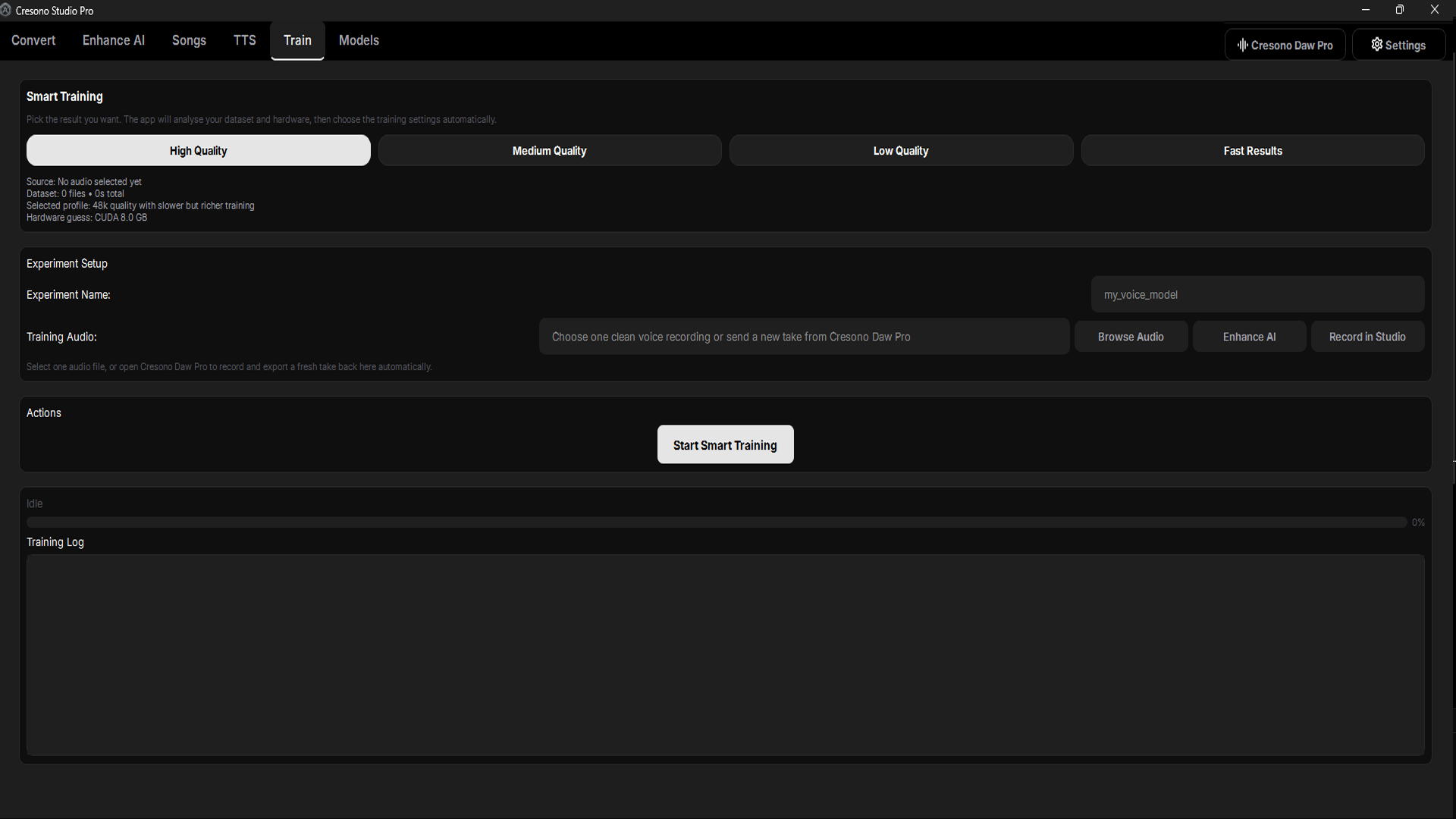
+Train and model workflows
+Cresono Daw Pro
+Bundled Cresono effects
+Session recovery
+Desktop-first project flow
Windows is the primary target right now. Broader platform support can follow later, but the current release is being shaped for a serious Windows desktop audience first.